How to Check Websites for AI While You’re Browsing
There’s no need to copy and paste, or upload, with GPTZero’s Chrome Extension.


As more text becomes AI-generated or AI-assisted, checking for AI involvement is only becoming a more frequent exercise.
Typically, to use GPTZero’s AI detection feature, you go to the homepage and copy and paste the text you want to check or upload the file. However, our Chrome Extension means that you can actually check for AI while you are browsing – making it even easier to tell what has, and hasn’t, been written by AI.
It means you don’t have to leave the page you’re already on, and can bring the AI detection tools directly into your browser, allowing you to review writing for AI without having to jump between tabs. And it's incredibly simple to set up.
Just download the Chrome extension here, from the Chrome Web store.
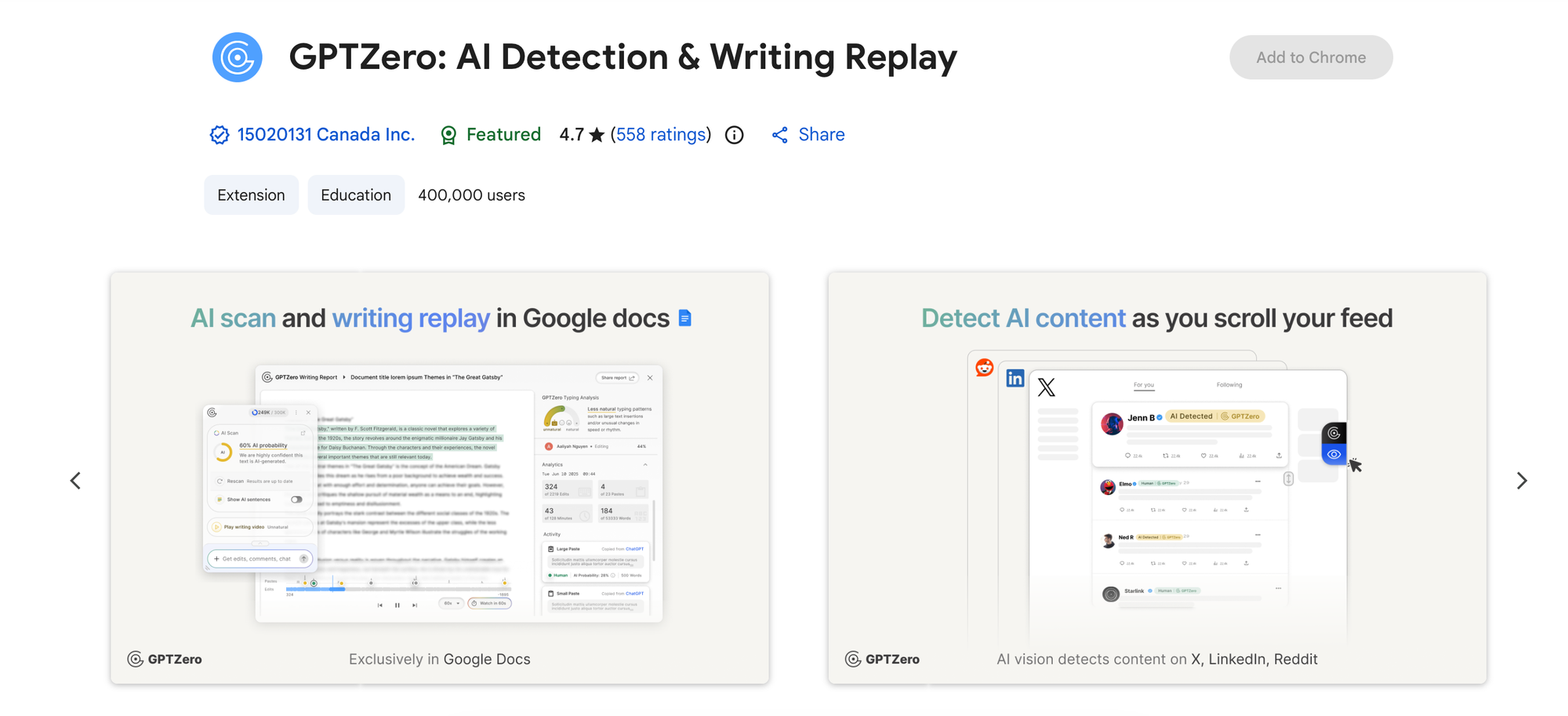
Then to start using it, click Add to Chrome in the top right corner. After the extension has been added, open the webpage or Google Doc you want to review.
As an example, we looked at this article from the Guardian.
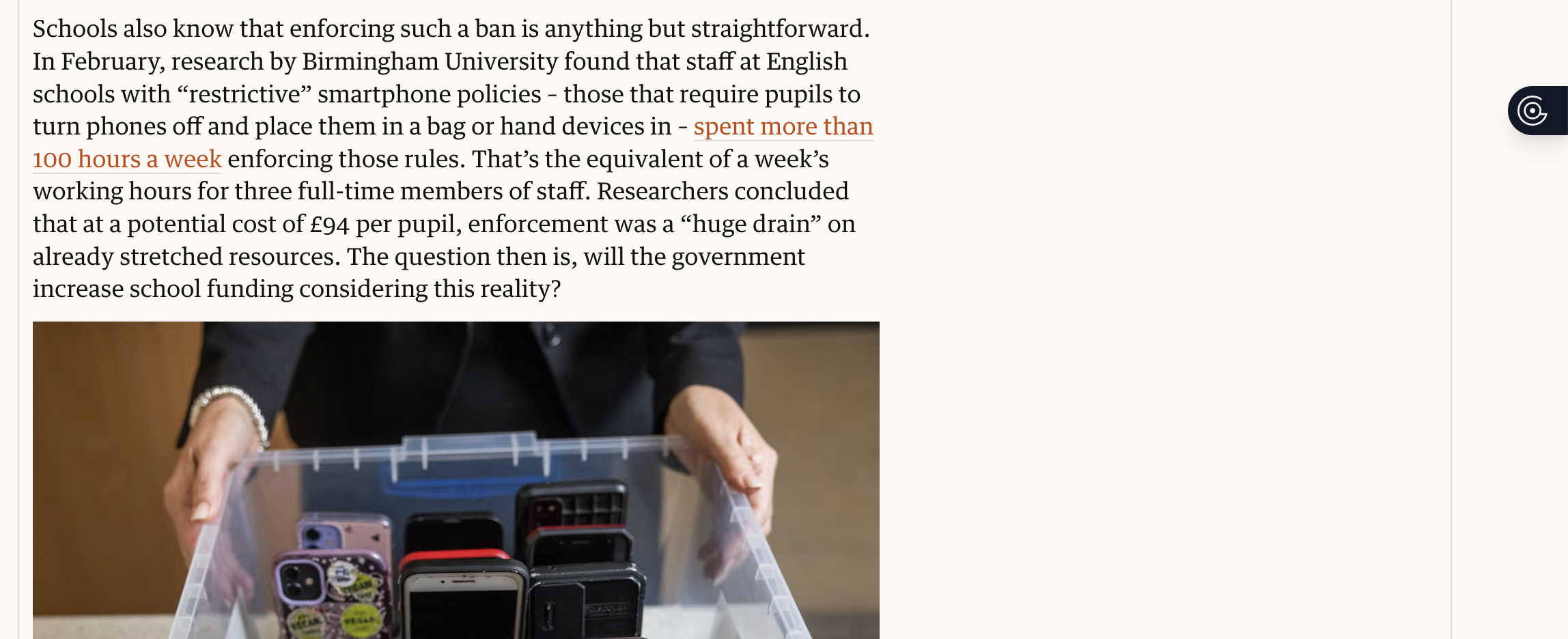
You'll see the extension as a small black icon on the right side of your screen. When you click on it, it'll ask what you want to do.
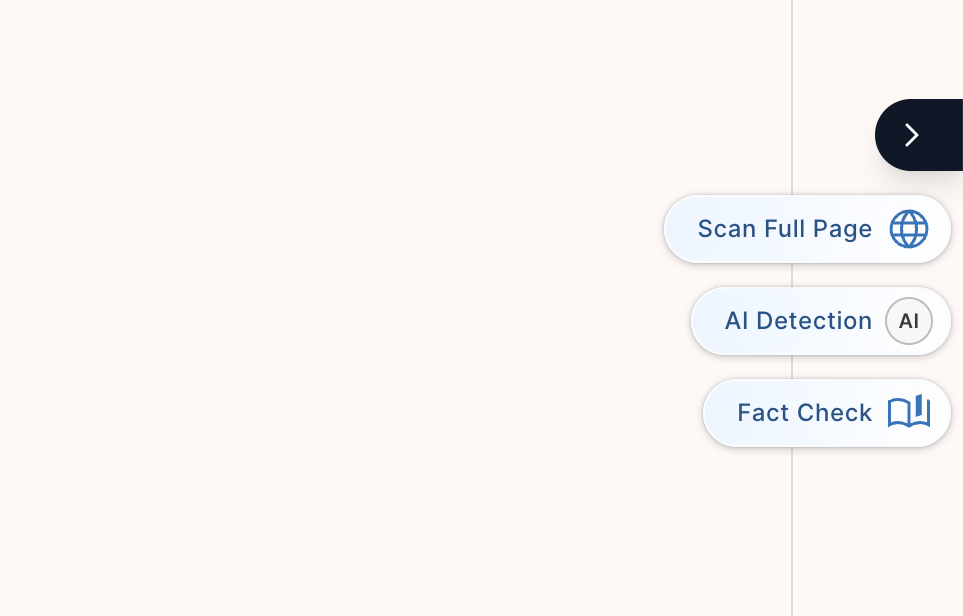
If you choose to scan the full page, you'll get a result that looks something like this.
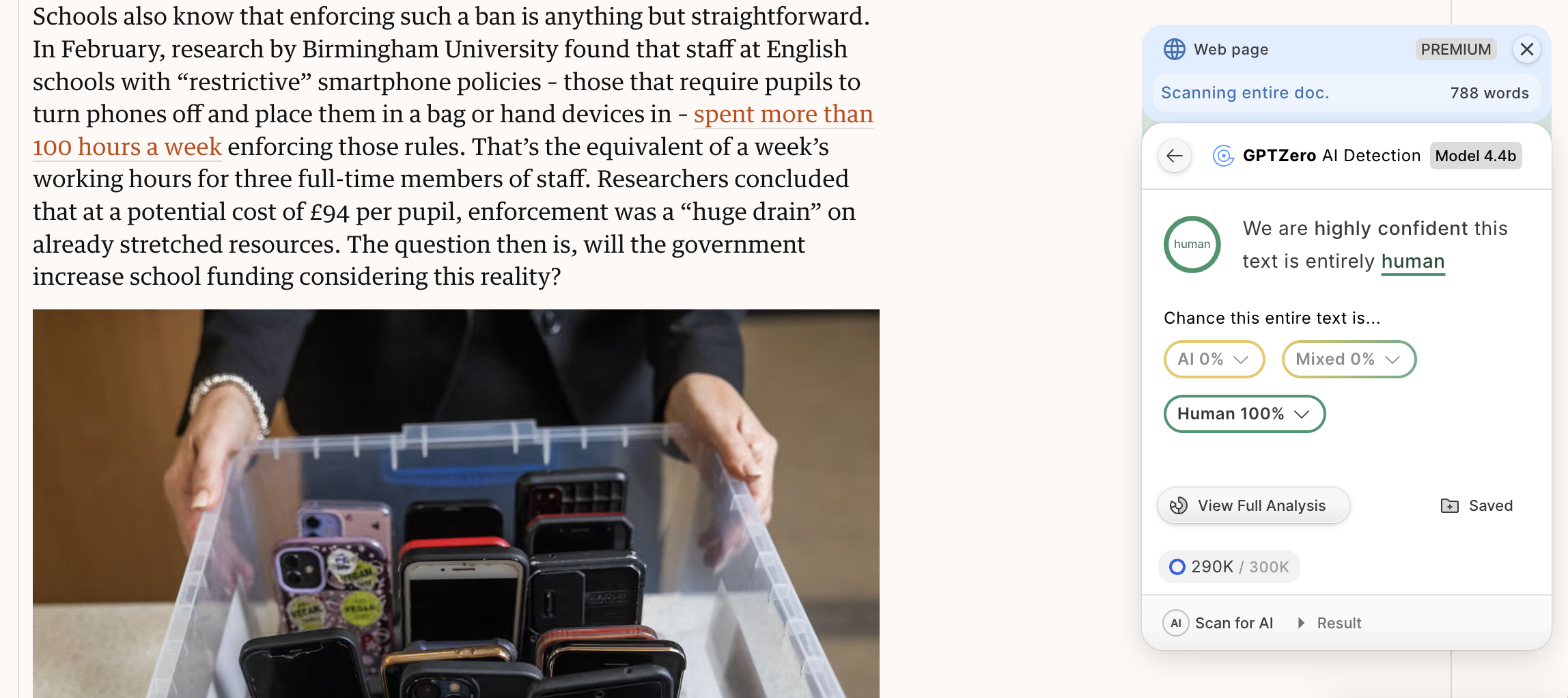
As you can see, the extension will tell you which sentences are human, which have been written by AI, and which are mixed. Without having to leave your browser, you've got immediate visibility into what has truly been written by a human.
This is just one example, with a webpage. If you're reviewing multiple files within Google Drive, having the extension can save a lot of time and clicking.
For example, this is a Google Doc with a few paragraphs we generated from ChatGPT.
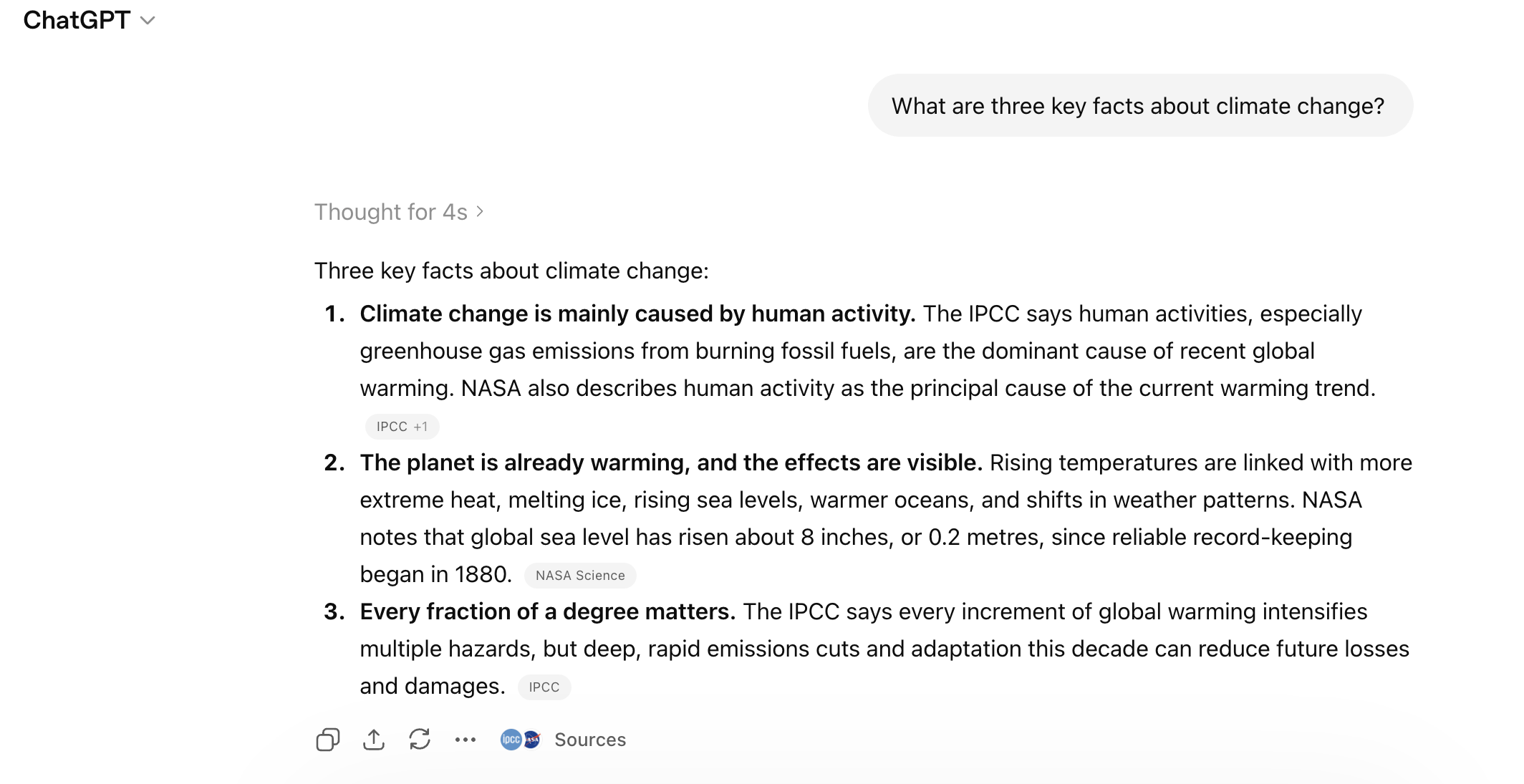
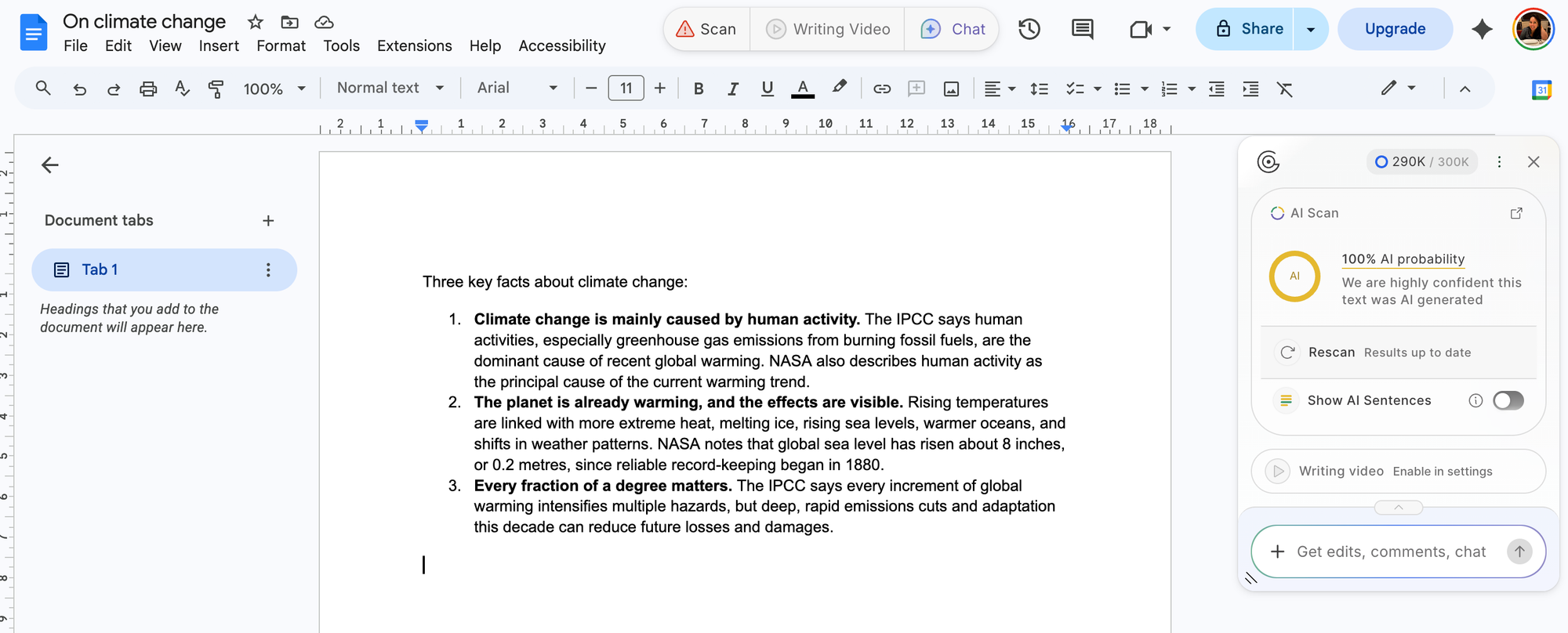
You can see the Chrome Extension has flagged this as 100% AI probability within the Google Doc itself.
This means that as you are reviewing someone's Google Doc (or even your own, as you run a pre-submission check), you can immediately see which sentences are likely to be flagged for AI.
While any AI detection score is simply one data signal in a broader context, GPTZero’s Chrome Extension makes it easier to review what is, and isn't, likely to be AI-generated.